
GreenMan
Voice companion built for museums and heritage sites

Personal guide for every visitor

GreenMan answers visitor questions in the moment — what they're looking at, where to go next, whether the café is still open, or what they might otherwise miss — using your site's own approved information.

One guide. Many ways to access it.

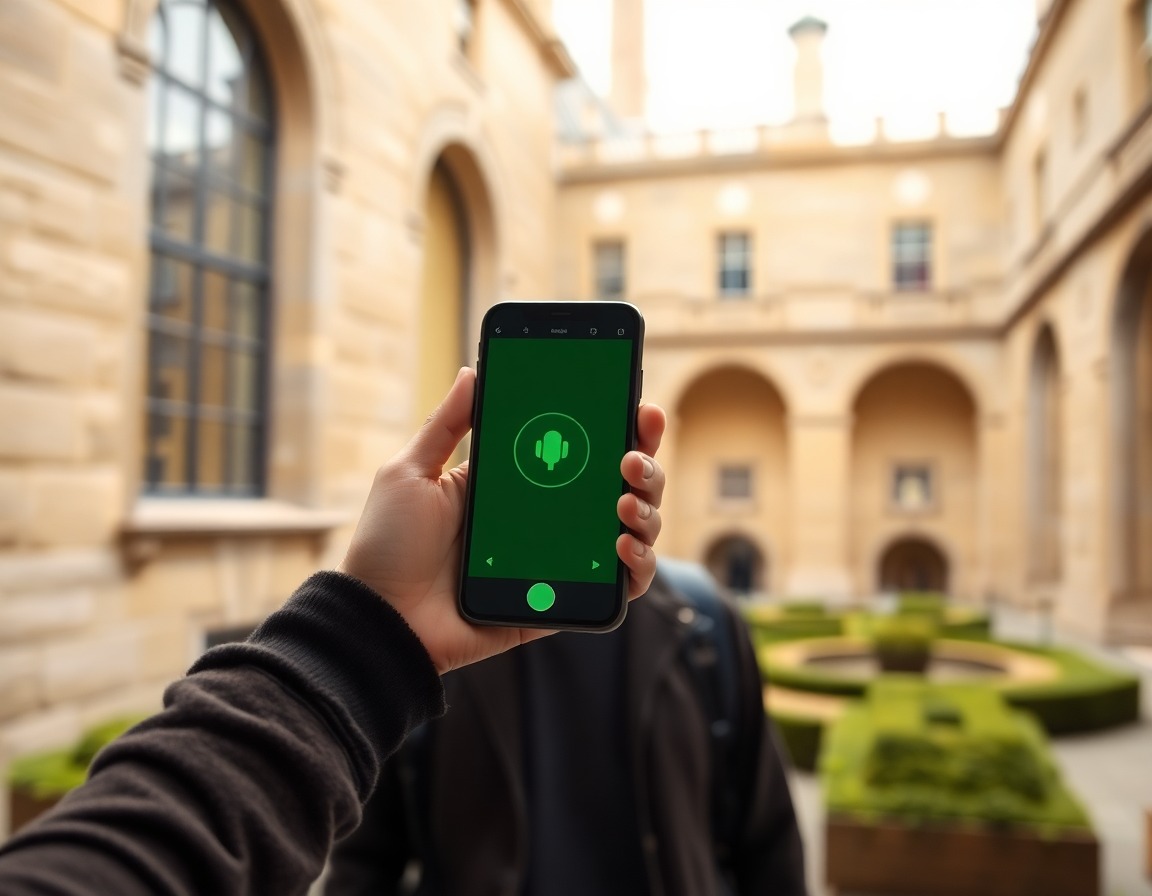
Generation prompt: Premium editorial product image for a heritage-site voice guide app, visitor holding a smartphone in a museum courtyard, subtle green voice interface glow, location-aware guidance mood, warm stone architecture, natural daylight, no readable text, no logos.

App

Best experience, location-aware, voice-first.
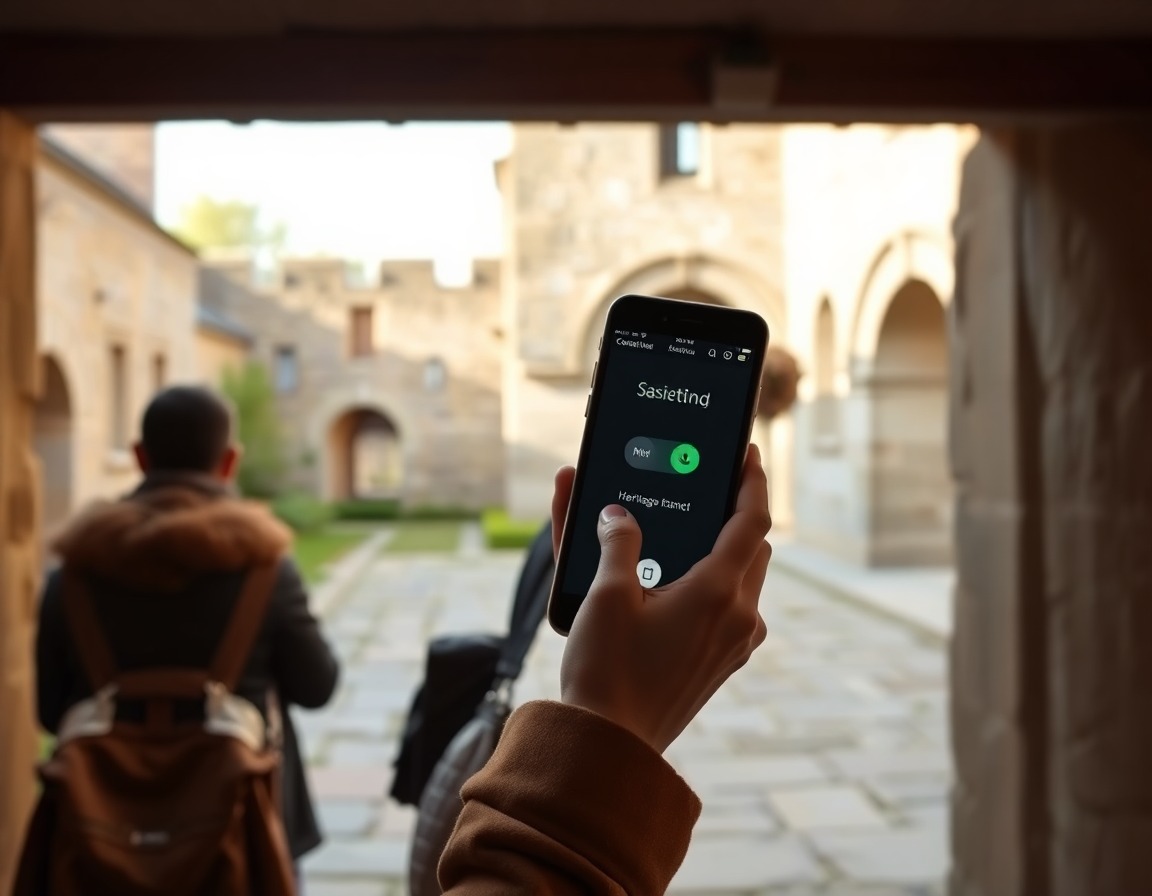
Generation prompt: Premium editorial image representing a normal phone-call interface for heritage-site guidance, visitor holding a phone to their ear near an old stone courtyard, calm assistance mood, warm natural light, subtle green accent, no readable text, no logos.

Phone call

For visitors who prefer a normal phone interface; same guide, no GPS.
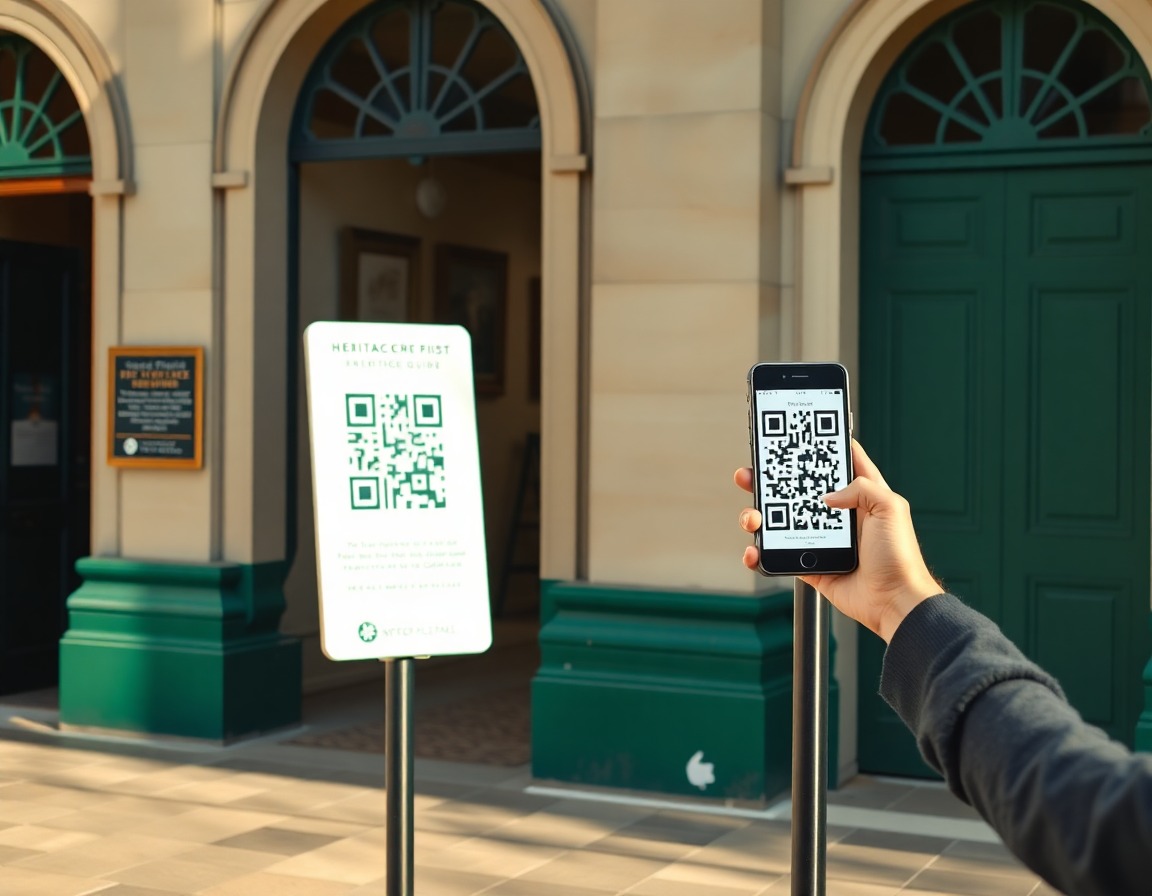
Generation prompt: Premium editorial image of a QR access point for a heritage-site visitor guide, discreet sign stand near an entrance with a phone scanning it, warm daylight, green and ivory accents, pilot-friendly web access mood, no readable text, no logos.

Webpage / QR

No install required, useful for pilots.
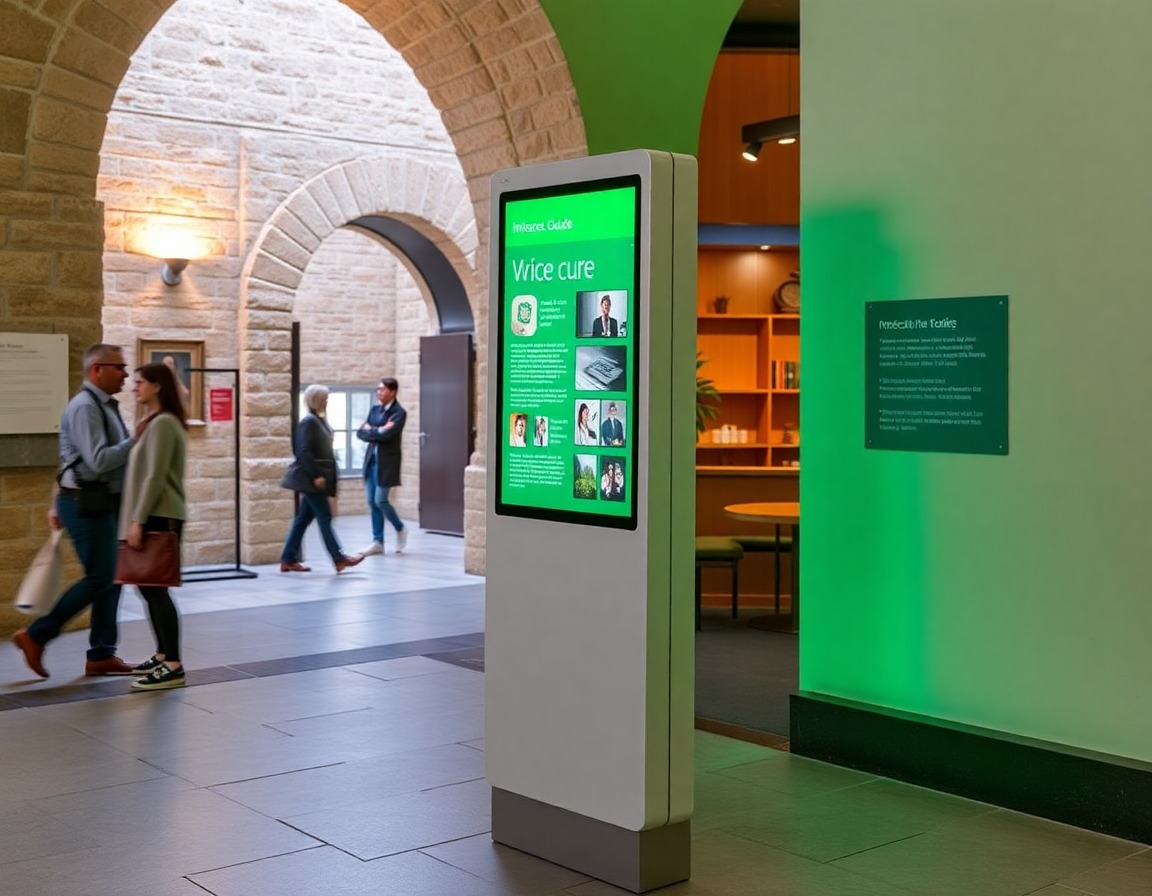
Generation prompt: Premium editorial image of a slim interactive kiosk for a heritage-site voice guide near a museum entrance or café, accessible height, green interface glow, warm stone and wood interior, practical visitor support mood, no readable text, no logos.

Kiosk

For entrances, shops, cafés, accessibility points.
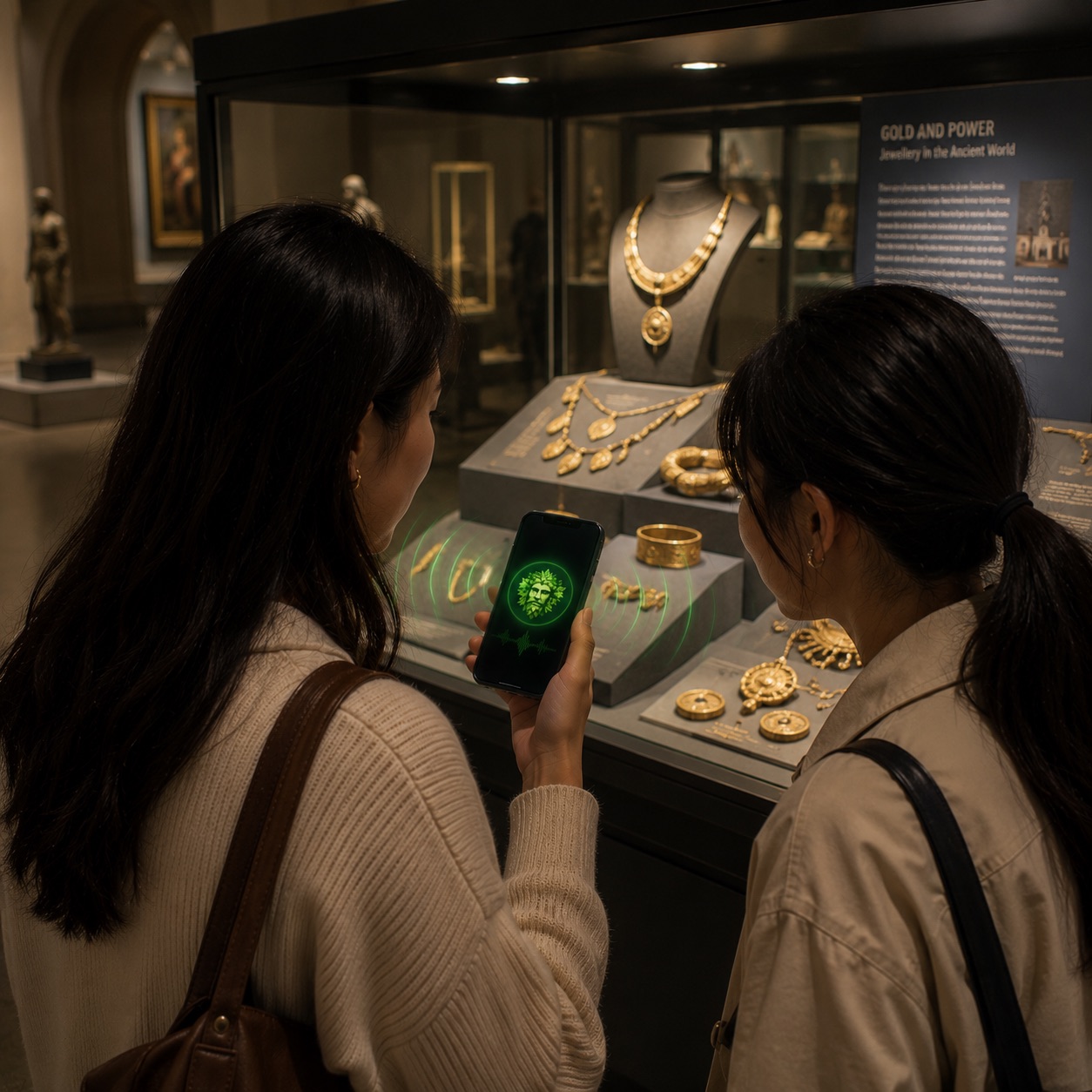
Generation prompt: Editorial image of a heritage-site visitor using a voice-first guide on a phone while exploring a historic courtyard, warm daylight, immersive visitor experience, subtle GreenMan interface glow, premium heritage technology mood, no readable text.

Better visits, less staff pressure.

  • Answers in the moment

    Opening times, directions, access notes, and interpretation are available without waiting for staff.

  • Guidance that adapts

    Visitors can ask for a quick summary, a deeper story, or a route that fits their time and needs.

  • Confidence for teams

    Responses stay grounded in the material your venue has reviewed and approved.
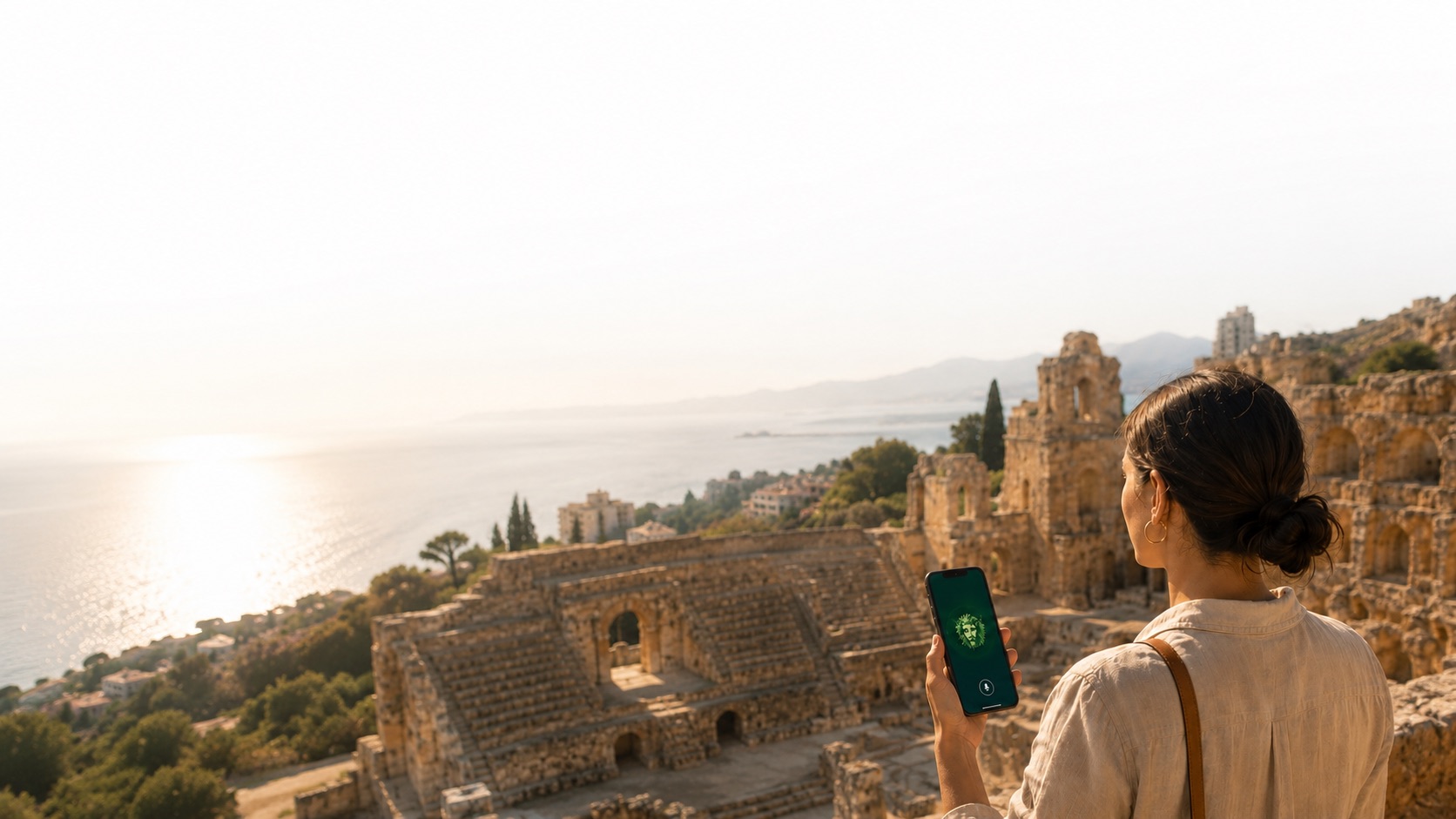
Works for all site types

Visitor overlooking a large archaeological site while using GreenMan on a phone.

Large archaeological sites

Open-air routes, scattered points of interest, access questions, facilities, and time-based recommendations.

Heritage building interior with a visitor information kiosk.

Heritage houses and civic sites

Room-by-room interpretation, practical wayfinding, accessibility notes, gardens, shops, cafés, and event information.

QR access point outside a small museum entrance.

Small specialist museums

Lean teams can start with the questions they hear every week and build a guide around a niche collection.
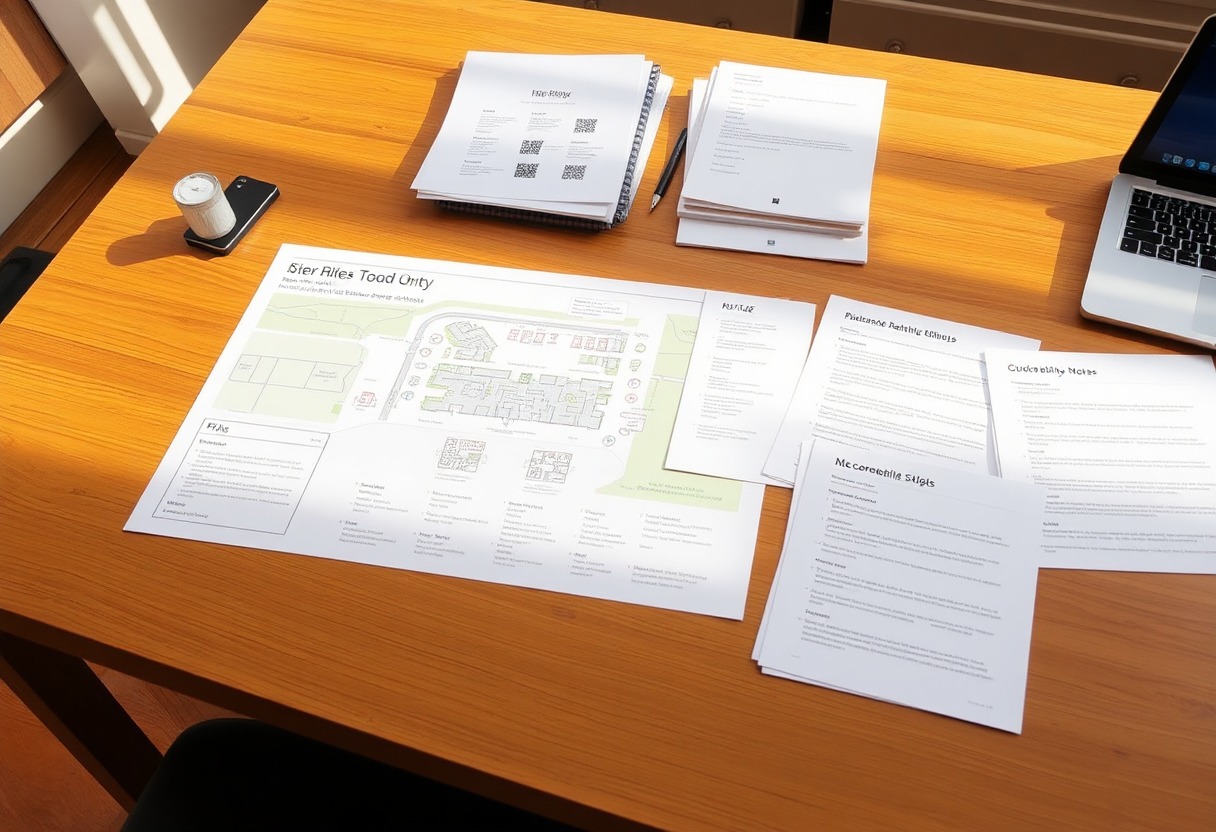
Planning table with route maps, QR materials, and exhibition notes for a heritage pilot.

Temporary exhibitions

Short-run shows can launch with focused content, visitor prompts, and updates as the exhibition changes.

See Green Man in action

Learn what visitors need.

Every question can help your team spot useful patterns, improve guidance, and understand what visitors miss.
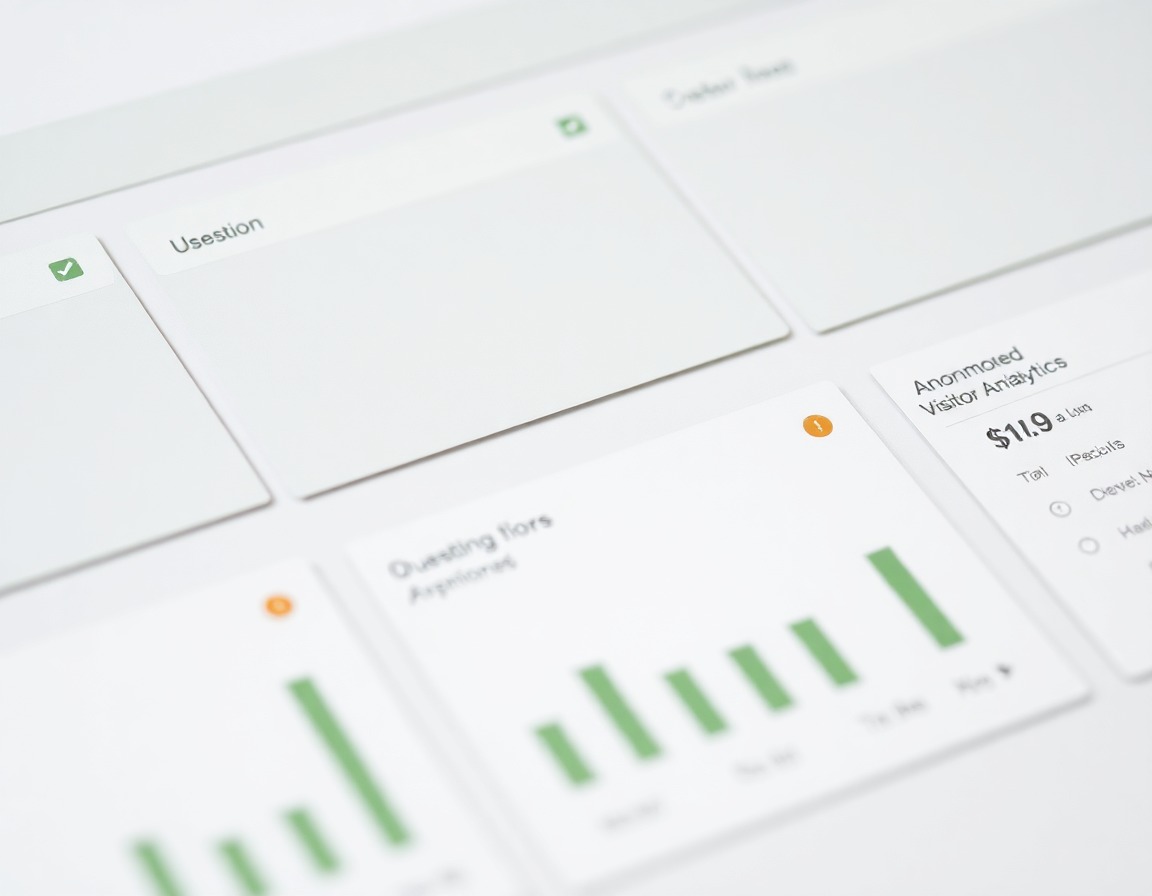
Visitor question and route analytics dashboard for a heritage site.

Analytics

See repeated questions, language needs, route friction, and common information gaps.
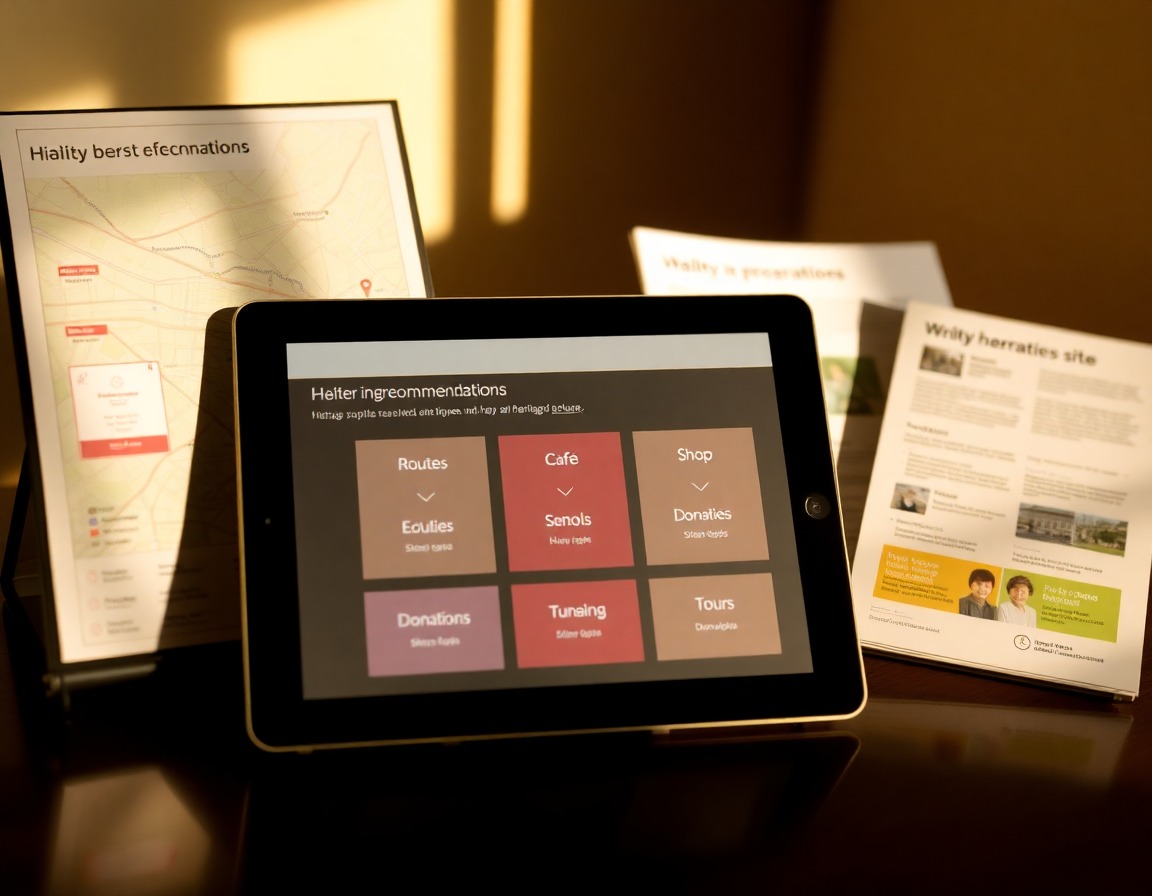
Recommendation planning view for a heritage visitor journey.

Recommendations

Understand which routes, exhibits, facilities, and offers visitors are most likely to need next.
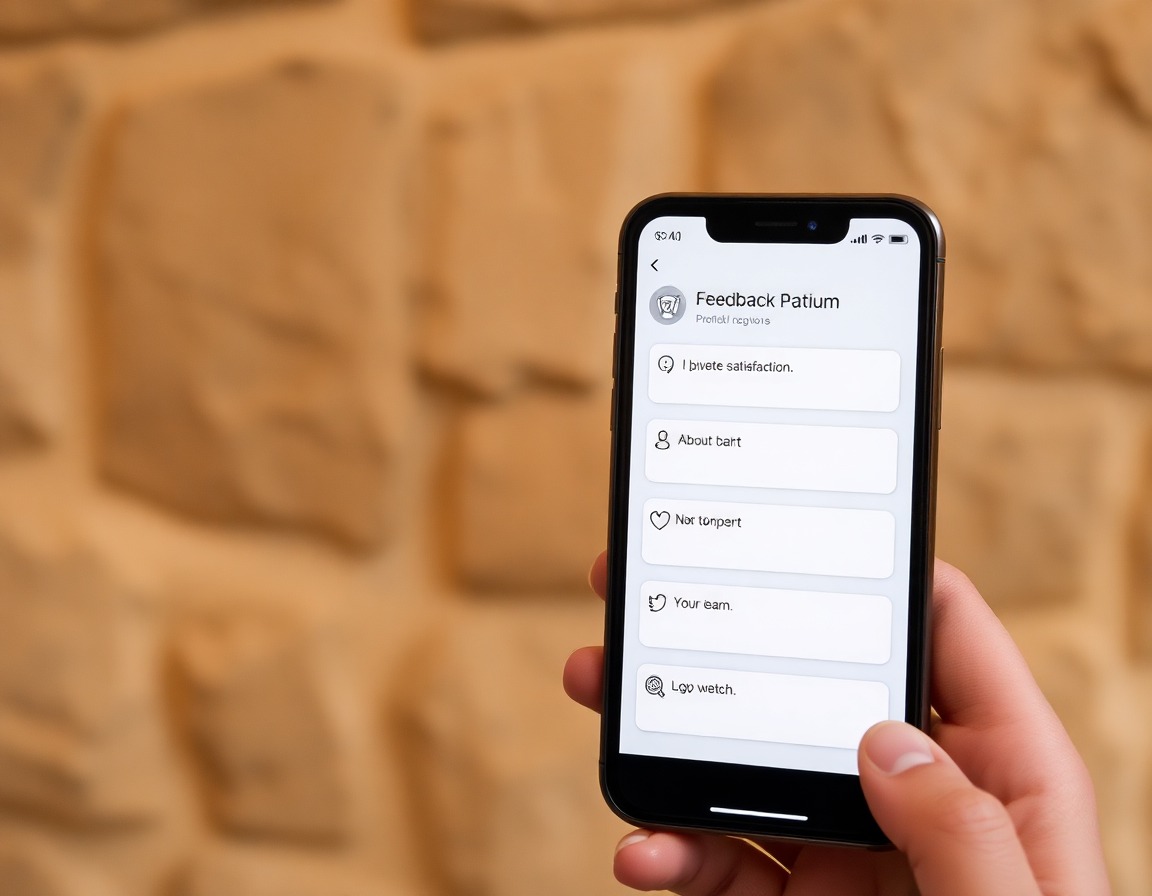
Visitor feedback summary for a museum or heritage site.

Visitor feedback

Capture simple satisfaction signals and open comments while the visit is still fresh.

We will only use these details to respond to your enquiry. See Privacy.

FAQ

What information does GreenMan use to answer visitors?

GreenMan starts from your approved material: maps, FAQs, website pages, opening times, access notes, guide scripts, event information, and practical visitor guidance. The pilot is deliberately scoped to one visitor journey and one approved knowledge base.

Does it replace staff or volunteers?

No. It handles repeated visitor questions and simple wayfinding so staff and volunteers can spend more time on the human conversations that matter.

How do visitors access it during a pilot?

Most pilots start with QR/web because it is fast and low disruption. App, kiosk, and phone-call access can be added where they fit the site and visitor base.

Can answers be reviewed before visitors see them?

Yes. The knowledge base is built around approved content and practical guardrails. The point is venue-specific guidance, not open-ended AI guessing.

What will we learn from the pilot?

You will see usage, common questions, missed-information patterns, staff-deflection opportunities, satisfaction feedback, and where visitors need better guidance.

How much work is required from our team?

The pilot is designed around existing material. Your team helps choose the visitor journey, shares approved content, reviews the knowledge base, and tests the experience before launch.

Answers for YOUR site

  • Approved source material

    Answers come from maps, FAQs, access notes, scripts, opening times, and other content your team provides.

  • Practical visitor context

    Guidance can reflect location, timing, route options, facilities, and accessibility needs.

  • Clear limits

    When something is not in the approved knowledge base, GreenMan can surface that gap instead of inventing an answer.
Generation prompt: Confident closing proof image for GreenMan, photorealistic heritage venue courtyard in warm daylight with a visitor holding a phone, subtle translucent blank interface panels and simple green map pin icons floating over the scene. No signs, no screens with writing, no paper documents, no typography, no letters, no numbers, no words, no captions, no logos, no labels.